What Health Age is
Health Age sits in a new Longevity tab of the Health app. Apple describes it as translating Apple Watch data into a measure of how your body is tracking relative to your chronological age. It arrived in the iOS 27.3 beta on 3 November 2026, with the public release reported for December.
The inputs named so far are VO2 max, resting heart rate, heart rate variability (HRV) and sleep, with optional lab results such as A1c and LDL cholesterol. How they are weighted, and who you are compared against, has not been published. So the useful question before December is not what your number will be, but what is behind it.
VO2 max
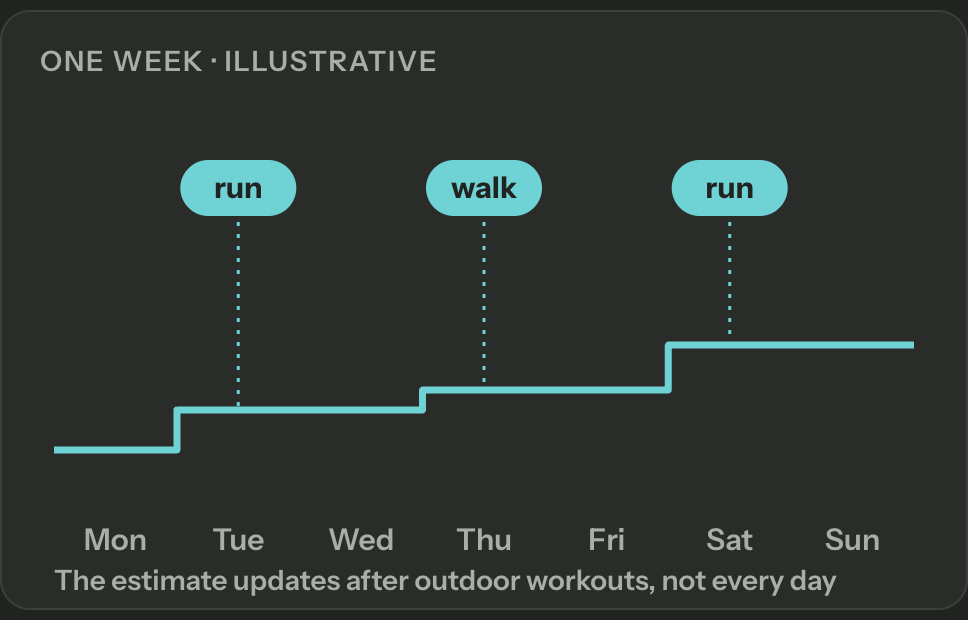
VO2 max, which Apple calls Cardio Fitness, is an estimate, not a lab measurement. The watch compares how hard your heart is working with how fast you are moving, using heart rate, pace and your age, sex, height and weight.
It updates mostly from outdoor walks, runs and hikes. A month without them has few readings, or none, which says nothing about your fitness: it means the watch had nothing to estimate from.
Resting heart rate
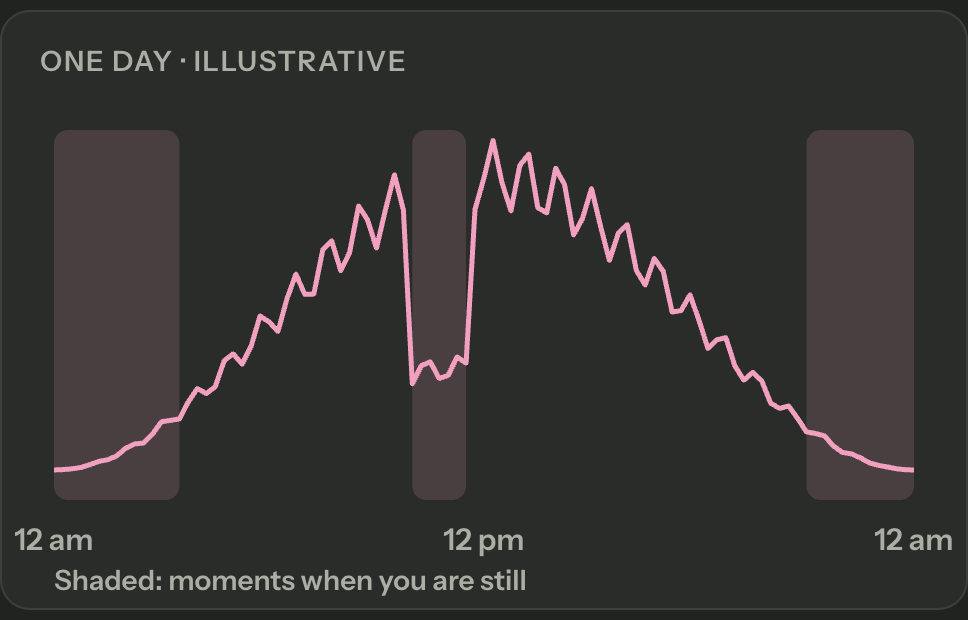
Resting heart rate is your heart rate while you are still. The watch takes heart rate readings in the background and pairs them with motion data to find the moments you were inactive, then gives one value per day.
It rises with illness, heat, alcohol, stress and short sleep, so a single high week says little on its own. The trend over months is what matters.
HRV
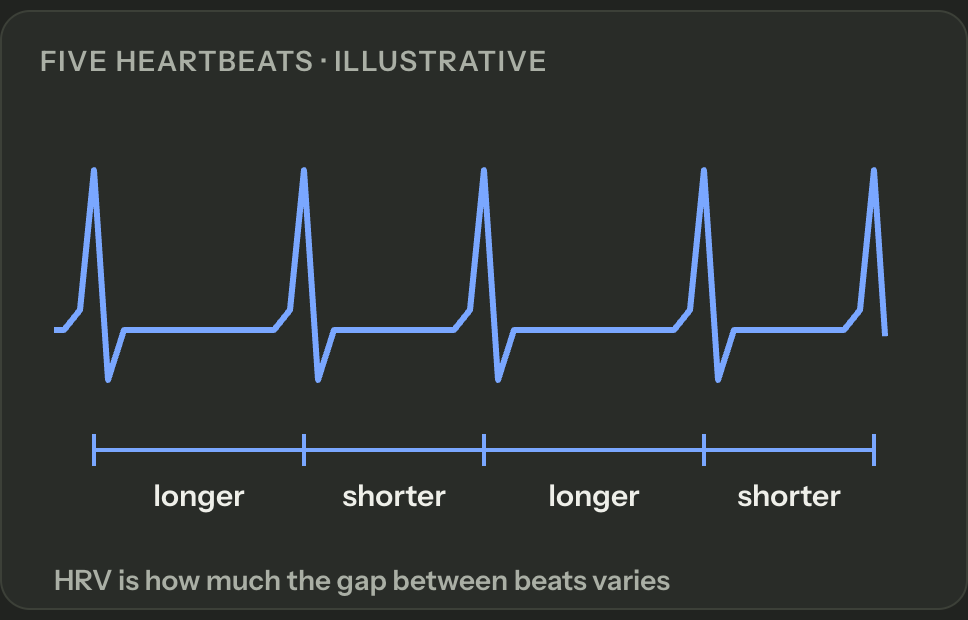
HRV is how much the time between heartbeats varies. Apple Watch reports it as SDNN, in milliseconds, from short readings taken mostly overnight while you sleep, and after Breathe or Mindfulness sessions.
It varies a lot from person to person, so the only useful comparison is with your own normal range, never with someone else’s number.
Sleep
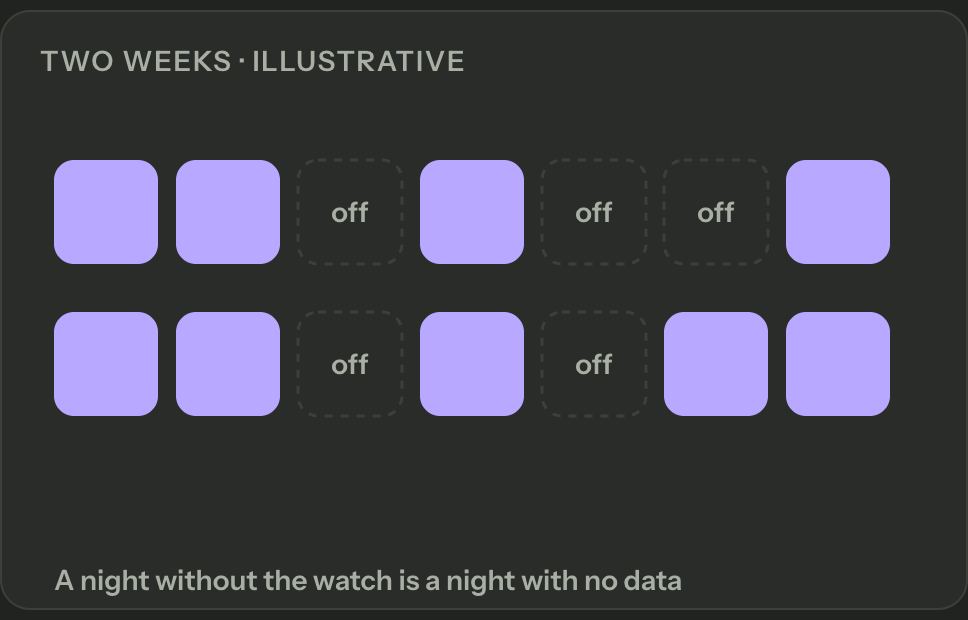
The watch estimates sleep and its stages (core, deep, REM and awake) from wrist movement and breathing, and only on nights you wear it. It works best with a sleep schedule or Sleep Focus turned on.
This is usually the thinnest of the four inputs. Many people take the watch off to charge it at night, and a night without the watch is not a bad night, it is a night with no data. If your sleep record is sparse, whatever Health Age does with it rests on very little.
See your four inputs before it arrives
Paste this into Claude or ChatGPT with telo connected. It charts the four inputs month by month and explains each one in plain words: how the watch measures it, how much data you have and which way it has moved. It asks for no Health Age estimate, because any number would be a guess at Apple’s formula.
Sleep is fetched a few months at a time on purpose: two years of nights is too much for one answer on a phone.
Using the telo connector, chart the four inputs Apple names for Health Age (VO2 max, resting heart rate, HRV and sleep) month by month, for the last 24 full months plus this month so far. For sleep, fetch a few months at a time and count one night per date, using sessions that start between 6 pm and 9 am with at least 3 hours asleep. Show months with no data as gaps, not zeros. Then, for each input, explain in plain words how Apple Watch measures it, how many days or nights per month have data, and which way it has moved. Don't estimate a Health Age.How to read the result
Look at the counts first. A month with five days of VO2 max readings or three nights of sleep moves a lot on little data, and a gap is not a zero. Then look at direction over months, not single points.
If one input has much less data than the others, that is the one to fix before December, usually by wearing the watch at night or recording outdoor walks as workouts.
What this does not tell you
The charts describe your records, not your health. Changes in these numbers are associations, not causes.
telo makes your Apple Health history readable by the AI you choose. It does not calculate Health Age and it is not medical advice.
Practical questions
Does telo calculate my Health Age?
No. Apple does not publish the formula, and any number outside the Health app would be a guess. telo shows the four inputs Apple names, explains each one and says how much data sits behind it.
Do I need iOS 27.3?
Not for this prompt. VO2 max, resting heart rate, HRV and sleep are already in Apple Health if you wear an Apple Watch, and telo reads that history on any supported iOS version.
Why does my sleep have so few nights?
Apple Watch only records sleep on nights you wear it with sleep tracking on. Nights without the watch simply do not exist, and the prompt asks for a count per month.
Sources and availability
Plans, regions and interfaces can change. Check the official sources before setting up.
How this guide was prepared
The prompt was run on 7 November 2026 against real Apple Health data through telo, in a fresh session with no other context, and tightened after that run: a fixed rule for counting nights, sleep fetched a few months at a time so the answer fits on a phone, and gaps instead of zeros. The charts on this page are illustrative and show no one’s data. Nothing here estimates a Health Age. Prepared with AI assistance.